
Save like a student, get 30% off the Core plan
![[object Object]](https://assets.elements.envato.com/apps/storefront/girl.compressed-c93c2c830a42b7f93209.avif "[object Object]")
- Video Templates
- Stock Video
- Graphic Templates
- Music
- Presentation Templates
- Photos, Fonts & More


 VideoGen
 ImageGen
 ImageEdit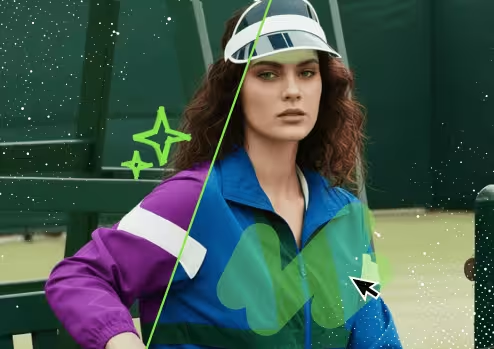
 VoiceGen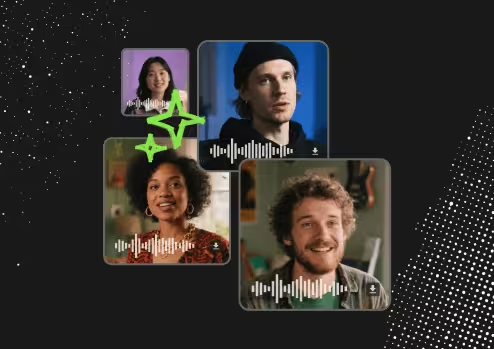
 MusicGen
 GraphicsGen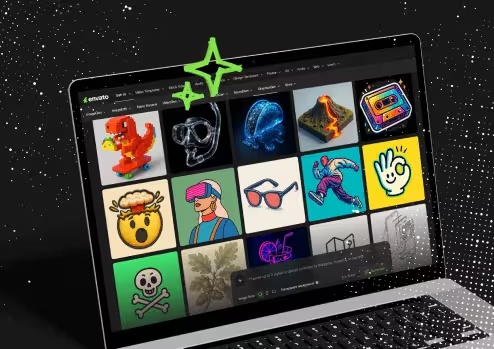
 MockupGen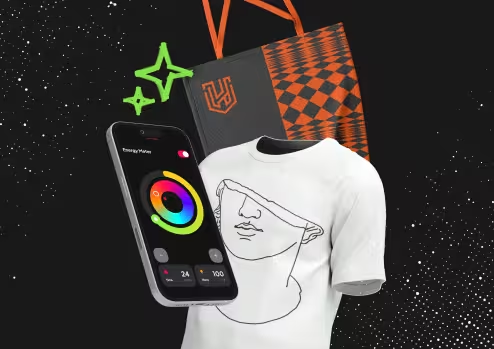
 SoundGen
FAQs
Envato is your one-stop destination for creative assets. With one simple subscription, you'll have access to our generative AI tools plus unlimited downloads of over 28+ million high-quality assets and templates across the widest range of asset categories, with new assets added daily.
Our creative asset catalogue covers everything you need, including stock photos, video footage and motion graphics, music & stems, sound effects, graphics & illustrations, fonts, design templates & mockups, video templates & transitions, LUTs, 3D models, Lottie animations, presentations, & more.
Our growing suite of generative AI tools is powered by cutting-edge AI models and covers a wide range of creative needs and media types, including image generation, image editing, video generation, voice overs, music, graphics, & more, with unique style presets and advanced controls to help bring your creative vision to life.
The Student Plan provides students with access to Envato's individual Core Plan. It includes the same Core Plan features but 30% off, a discounted price exclusively for students.
Core Plan features include:
- Unlimited downloads of 28+ million creative assets
- 10 AI generations per month
- Access to the broadest range of asset categories
- Lifetime commercial license
Creative stock assets: Subject to our Fair Use Policy, no limits apply to downloads of creative assets! Your great-value Envato subscription allows you to download any stock asset you want, as many times as you like.
AI Tools: For Individual, Team and Student plan customers, until 25 February 2026, no limits apply to AI generations (except videos with speech, which remains subject to limits).
After this time:
- Student Plan: Customers on the Student Plan will receive 10 AI generations a month.
As our creative assets and AI tools are subject to our User Terms, and Fair Use Policy, please remember:
- The subscription is for an individual (or a specific number of people with our Team or Enterprise accounts)
- You cannot use scripts or bots to mass download assets or mass generate content, or engage in activities that suggests inappropriate, excessive, or unusual use patterns (including sharing of accounts, or engaging in excessively high downloads in a short period of time).
Our licensing is designed to make it easy for you to do the right thing and gives you the rights to use an item in a broad variety of projects, including those of a commercial nature.
Highlights of the license for creative stock assets:
- All stock items available through our subscription have the same simple license terms for commercial use, including client work & monetization.
- Each time you download an item, you get an ongoing license for a single, specific project. An item can be easily used again by simply creating a new license for each separate project.
- Some common-sense limitations do apply. You can't re-sell, re-distribute, or merchandise items without adding value.
- Future proof licensing: If you unsubscribe, while you can't continue to use items for any new projects, any existing licensed uses are still fully covered forever. Now that's peace of mind!
- Still have more questions about the License? Check the full list of FAQs from our support team.
Highlights of the license for generative AI assets:
- Broad commercial license: For AI assets generated with our AI tools, you're granted a commercial license to use your AI asset as part of an End Product.
- If you use an Elements stock Item as input (for example, editing an Elements photo), the use of the item is subject to the Envato Elements License as well as the AI Product Terms.
- MusicGen has extra restrictions: MusicGen assets also come with a commercial license, but it comes with additional limitations (notably around using it as standalone music or in audio streaming services).
- Still have more questions about AI asset licensing? Check the AI Product Terms for the full details.
Absolutely! You can cancel or upgrade your Envato subscription at any time.
Canceling
If you cancel your subscription, you will have access to Envato until the day your next subscription payment is due to be billed. For example, if you cancel your monthly subscription 23 days before the next payment, you will still have access for another 23 days. If you cancel your annual subscription three months before your payment is due, you will still get access for another three months. We do not refund canceled subscriptions. We do not refund canceled subscriptions.
However, as part of our worry-free licensing agreement, even after your subscription has ended you will be able to see the list of items you have previously licensed and continue using them for the completed projects they were licensed for. Learn more here.
Upgrading
If you wish to upgrade from a monthly to annual subscription for even more savings, the remaining days in your monthly subscription will be discounted from your annual subscription - so you don't get charged twice. The total amount will be shown in your invoice.
If you wish to upgrade to a higher plan level, you will be upgraded at a pro-rata rate for your current billing period.
Downgrading
If you wish to downgrade your plan to a lower plan level, your plan will be downgraded at the end of your current billing period (monthly or annual).
No, an Envato subscription cannot be used to download or purchase assets from Envato Market.
Although they offer similar content, some items are exclusive to either platform. So, some assets are on both, some are only available via the Envato subscription, others are only available on Envato Market.
If you are looking for a specific item, please be sure that the item is available with the Envato subscription before subscribing.
We've kept it simple: One generation is counted the same, regardless of which AI tool you're using, what type of content you're creating, or what inputs or settings you use.
That means no confusing credits, and no complicated calculations. Just create what you need, how you need it.
A few things to know:
- Wherever you see a button that says "Generate ✨" or similar, clicking it will use up one of your generations. For example, things that use a generation include generating or editing an image, video, or audio, as well as creating custom styles or start/end frames for VideoGen. Learn more here.
- Note: related steps or actions like uploading reference images or enhancing your prompt don't use up a generation themselves.
- Note: as Gen AI continues to rapidly evolve and develop, we may update or align how generations are counted in the future.
- Generation limits automatically refresh monthly, based on your subscription start date. For annual plans, this means if you subscribe on 18th January, your generation limits will refresh on the 18th of every month.
- Unused generations do not roll over to the next month.
If you hit your monthly limit, you can upgrade to a higher plan anytime to keep creating, or wait until your next monthly reset for generations to refresh.
Easy and secure payment
Trusted payment methods


Secure payments
Processed in a Level 1 PCI compliant environment.